
Set up your profile
Add your name, details, home spot and photos so you appear on the right leaderboards.
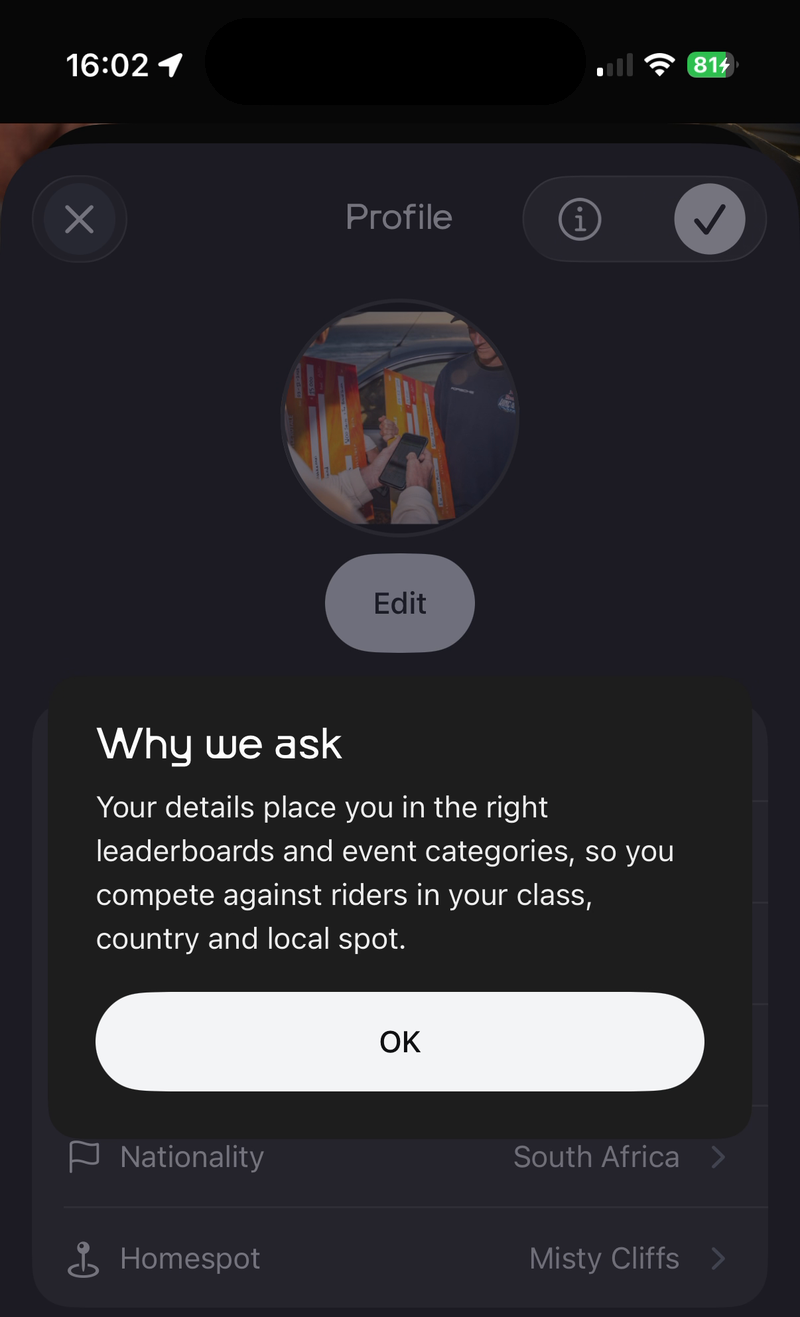
Your profile details place you on the right leaderboards and in the right event categories, so you compete against riders in your class, country and local spot.
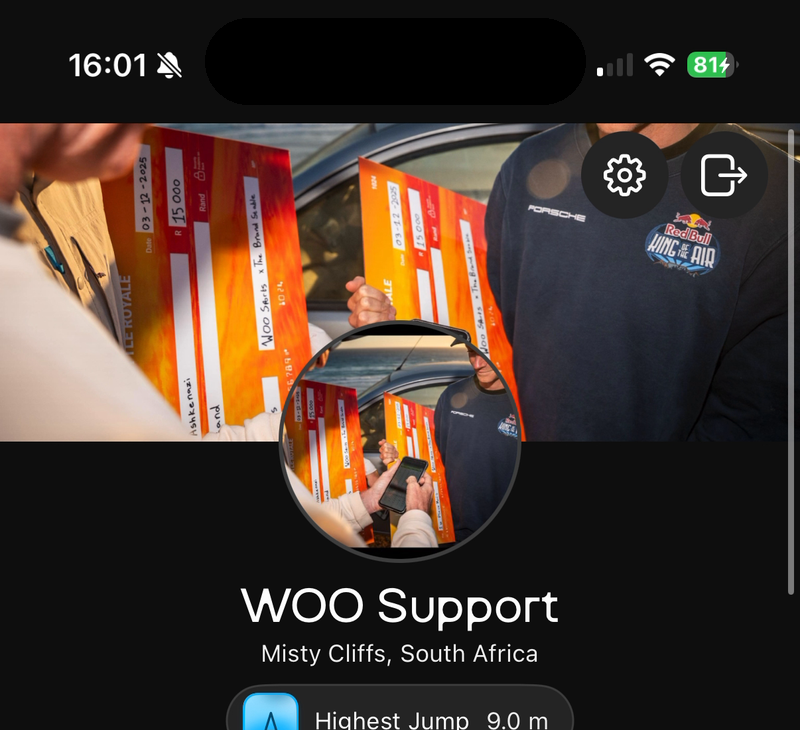
Open profile settings
Tap Profile, then tap ⚙️ at the top right.
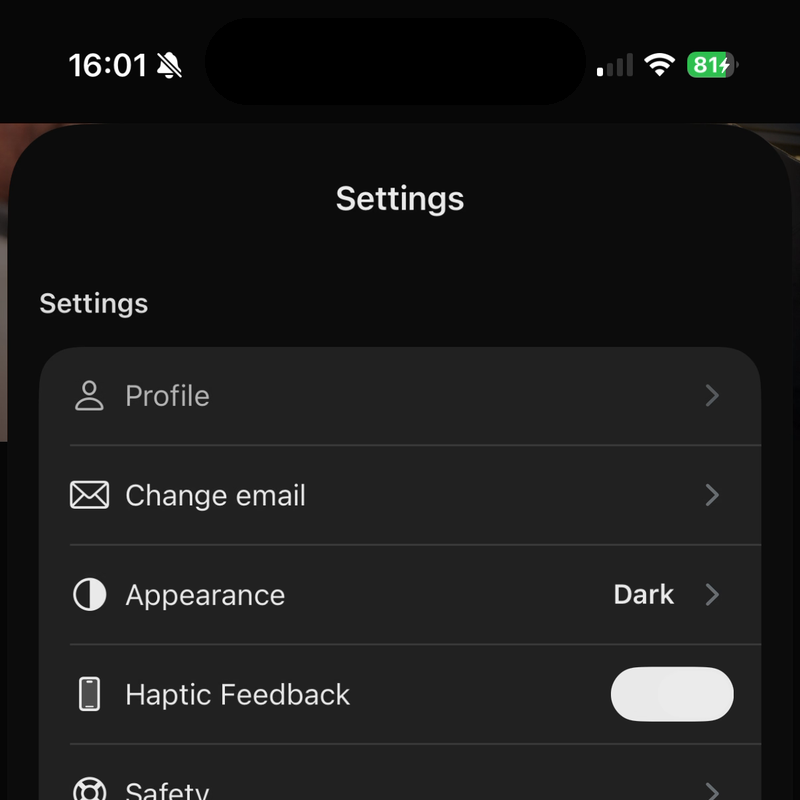
In Settings, tap Profile.
Fill in your details
Tap each line to fill it in or change it.
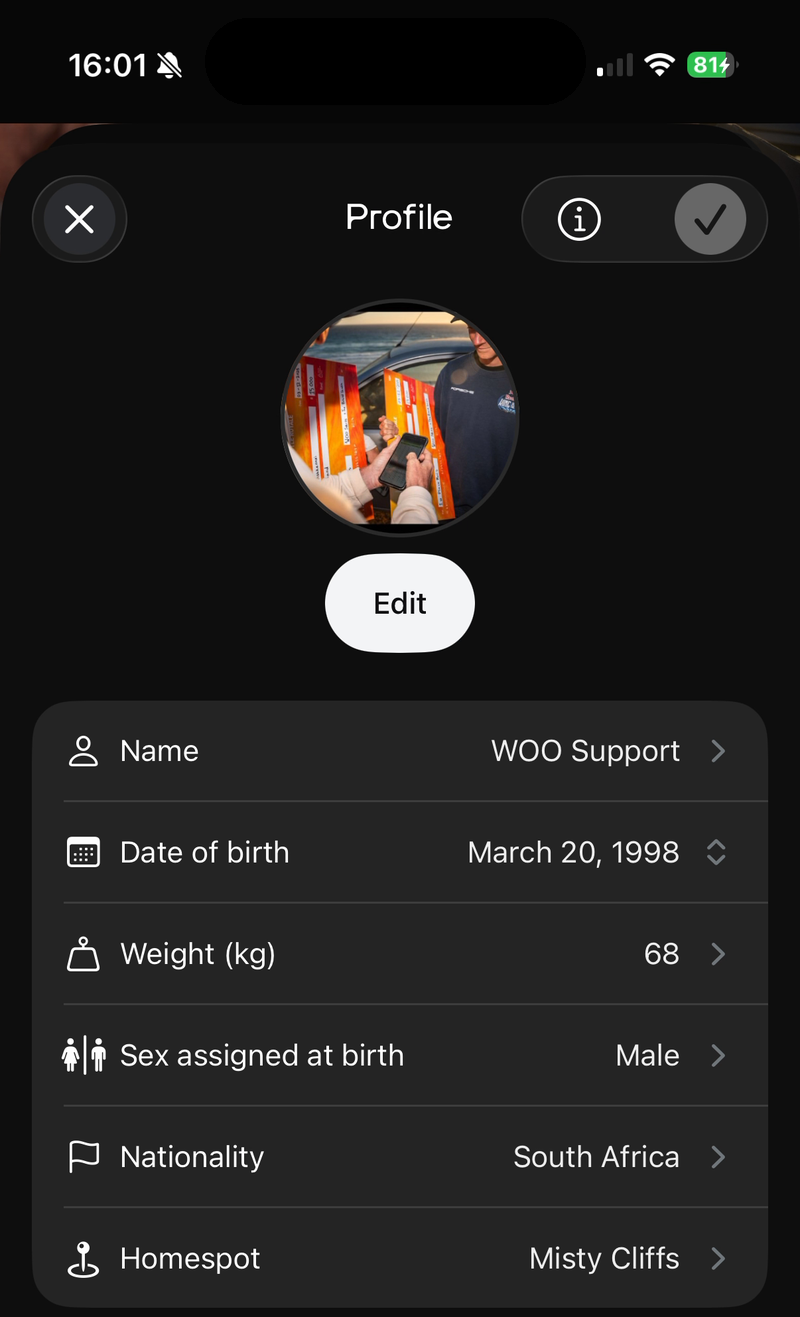
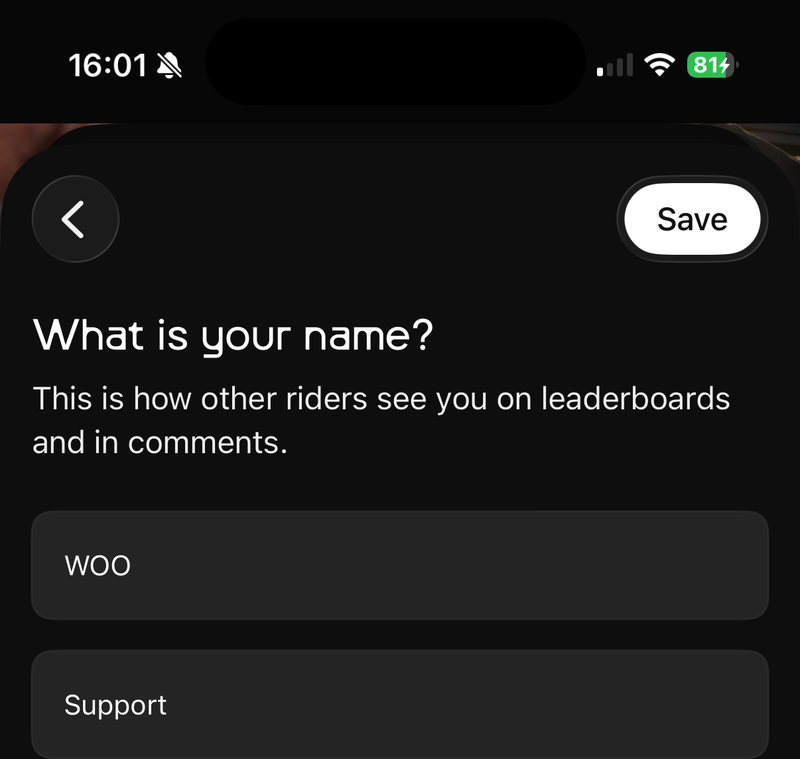
Name: how other riders see you on leaderboards and in comments. Enter your first and last name and tap Save.
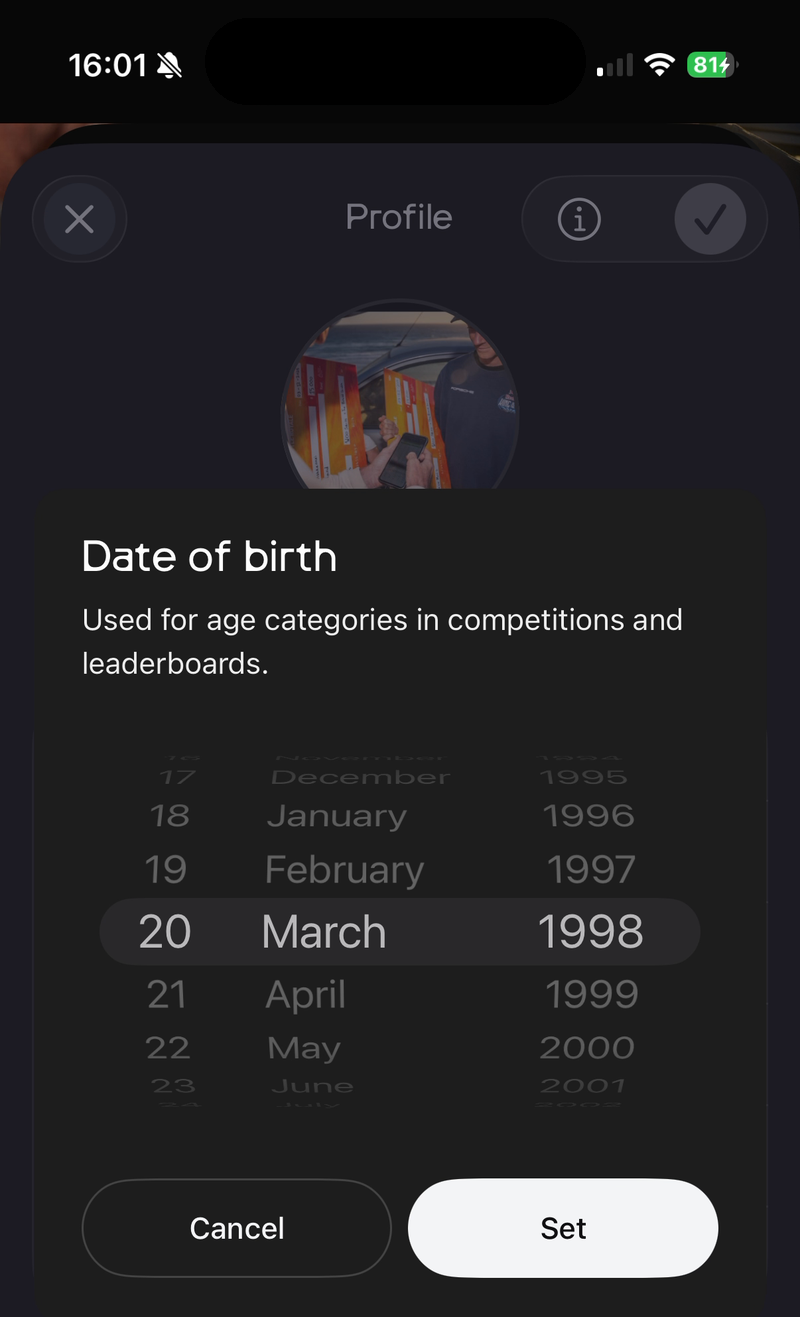
Date of birth: used for age categories in competitions and leaderboards. Choose your date and tap Set.
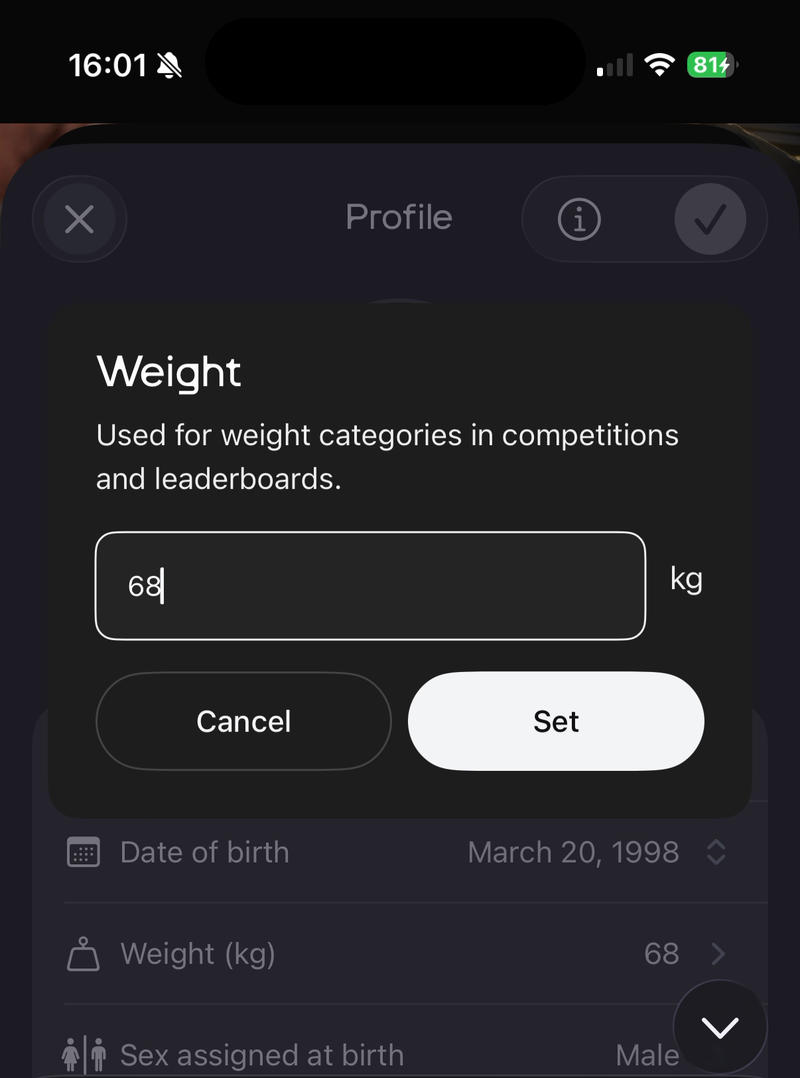
Weight (kg): used for weight categories in competitions and leaderboards. Enter your weight and tap Set.
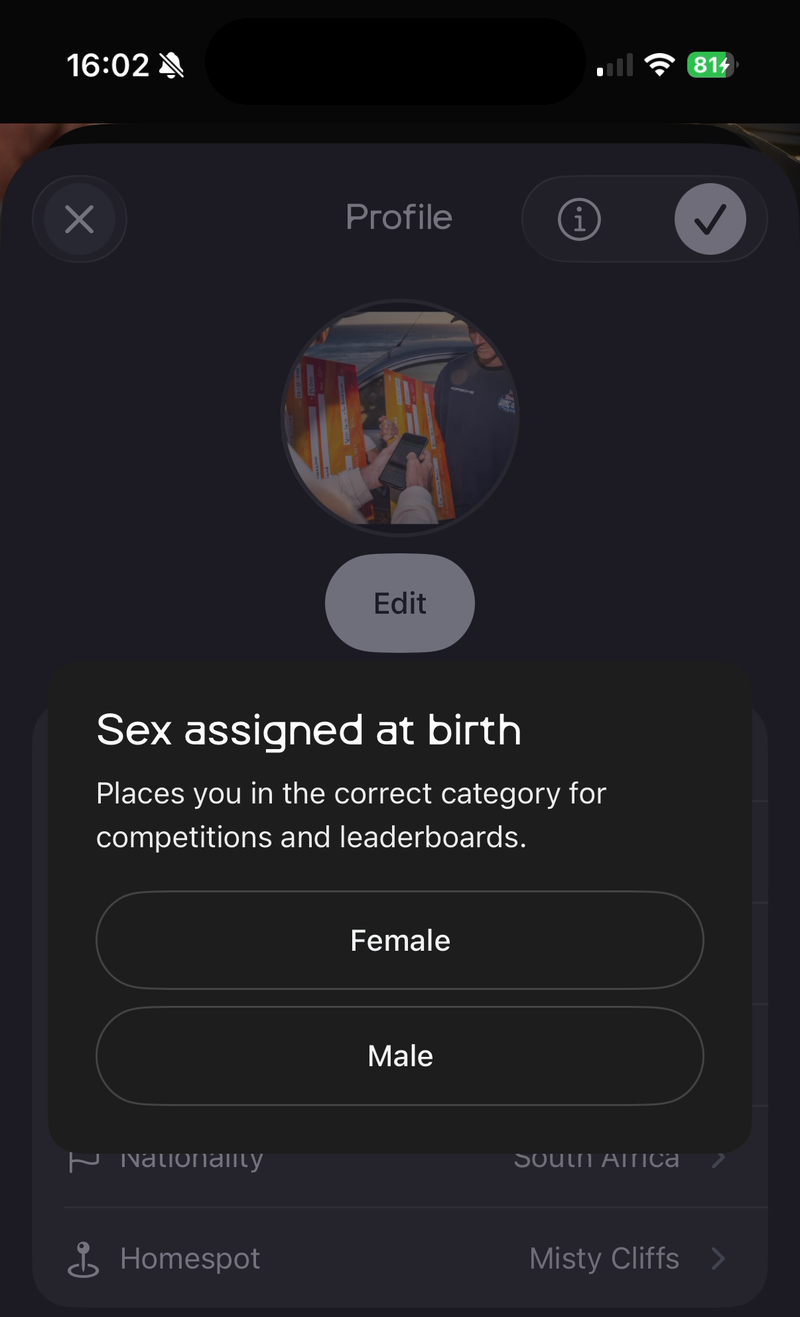
Sex assigned at birth: places you in the correct category for competitions and leaderboards. Tap Female or Male.
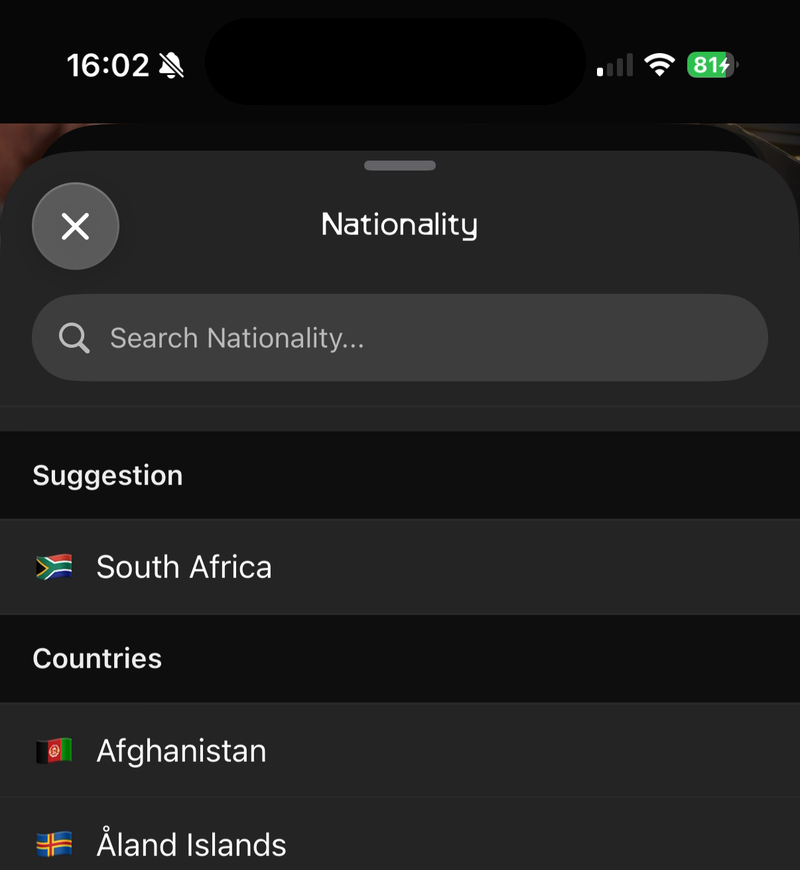
Nationality: search for or tap on your country.
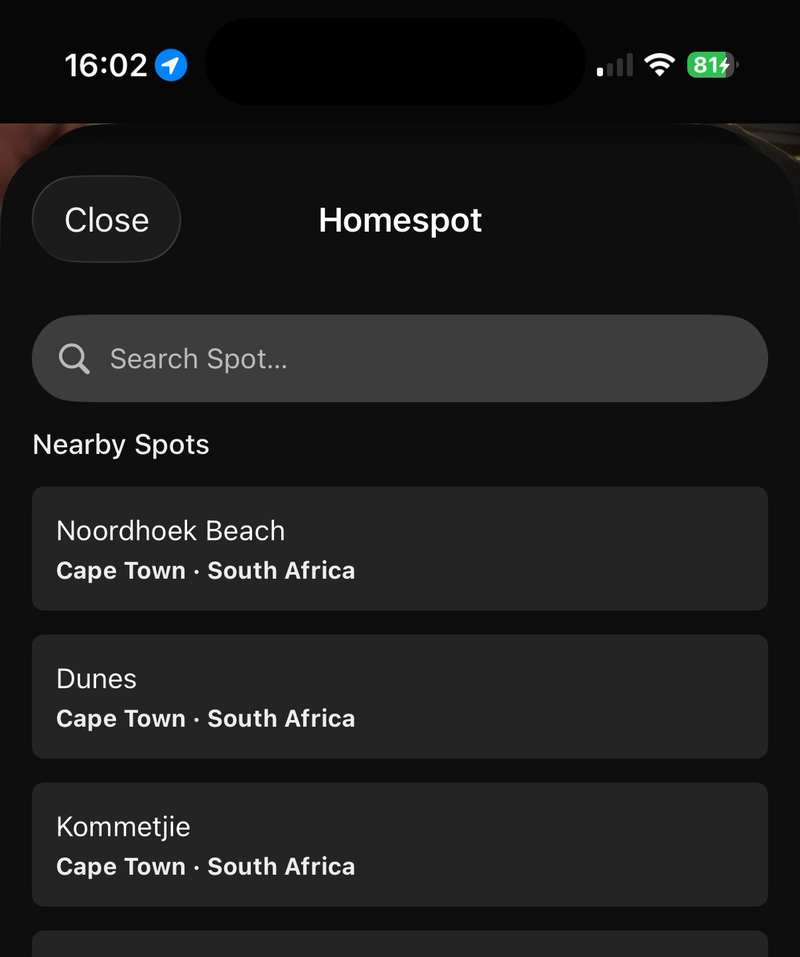
Homespot: the spot you ride most. Search for it, or tap one of the nearby spots.
To see why WOO asks for these details, tap ⓘ at the top of the screen.
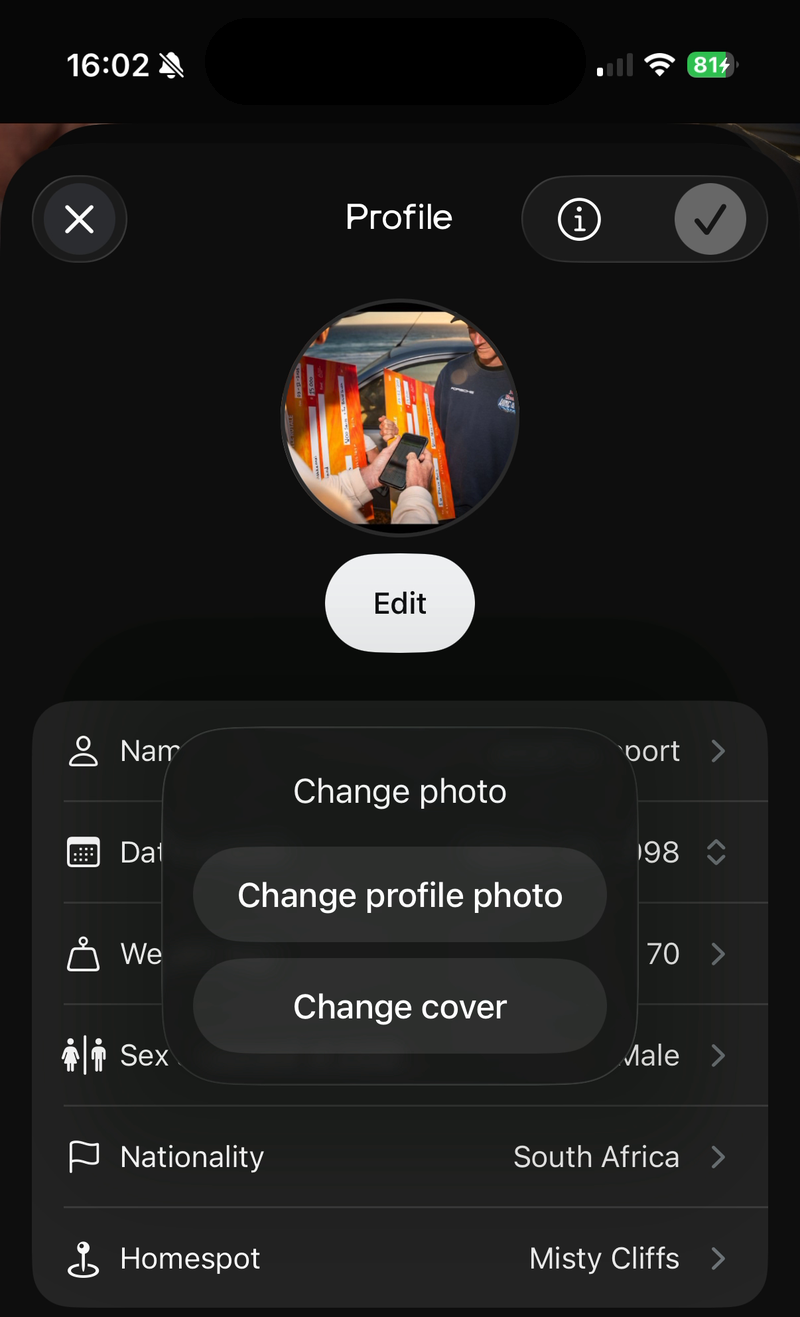
Change your profile photo and cover
Tap Edit under your photo, then choose Change profile photo or Change cover and pick a photo.
Save
Tap ✓ at the top right to save your profile.
Updated about 2 hours ago