
Charging
Learn how to charge your WOO, understand LED indicators and trouble shooting
The WOO 4.0 uses a wireless charging platform with a USB-C connector. located on the bottom of the charger Is an LED indicator on the charger that shows the current charging status at a glance.
Place the WOO on the wireless base, WOO ID facing down into the platform.
LED Indicators
Both the charger and your WOO display the same LED colors, so you can check charging status from either device.
-
Blue — Charging in progress
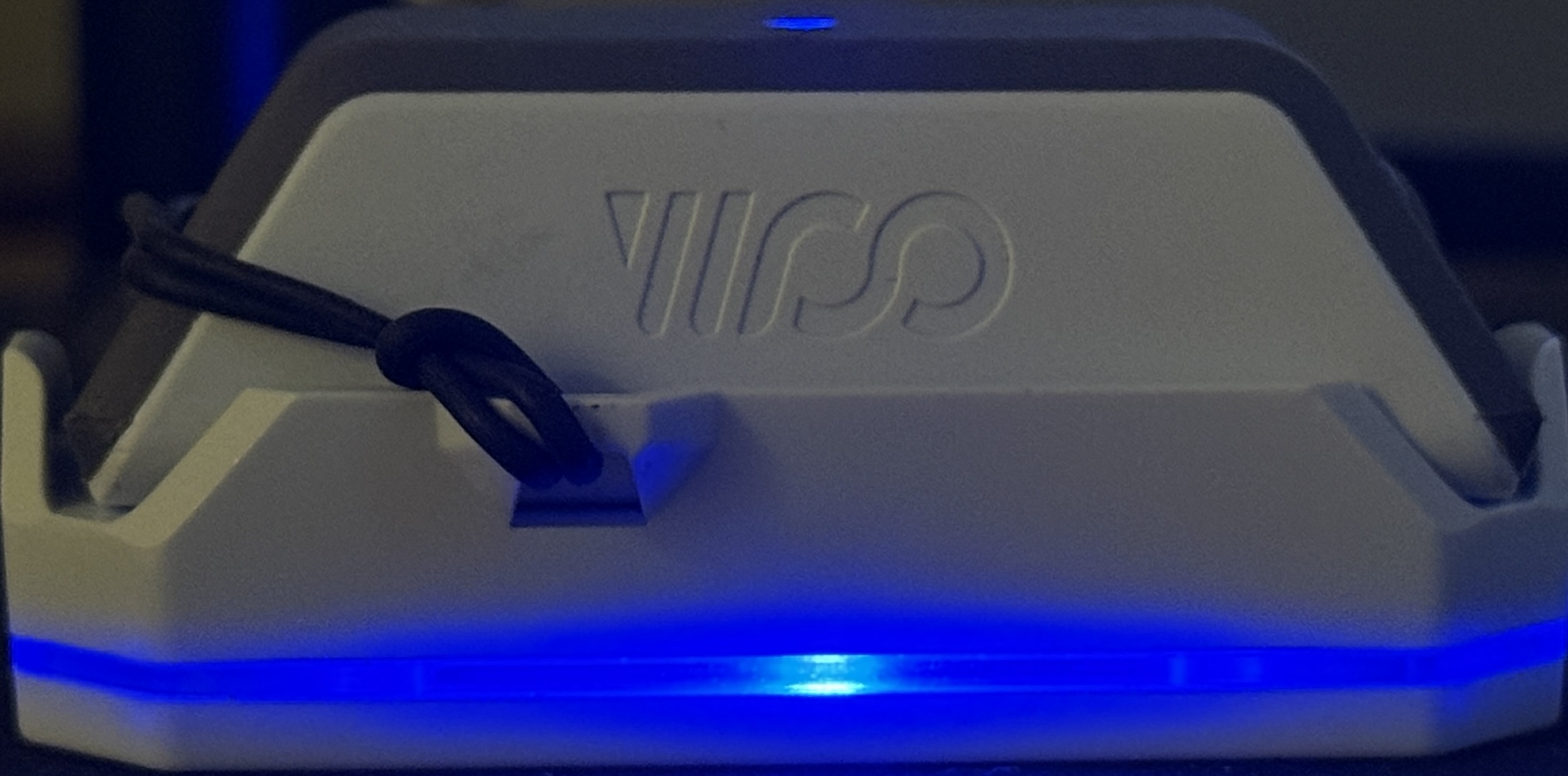
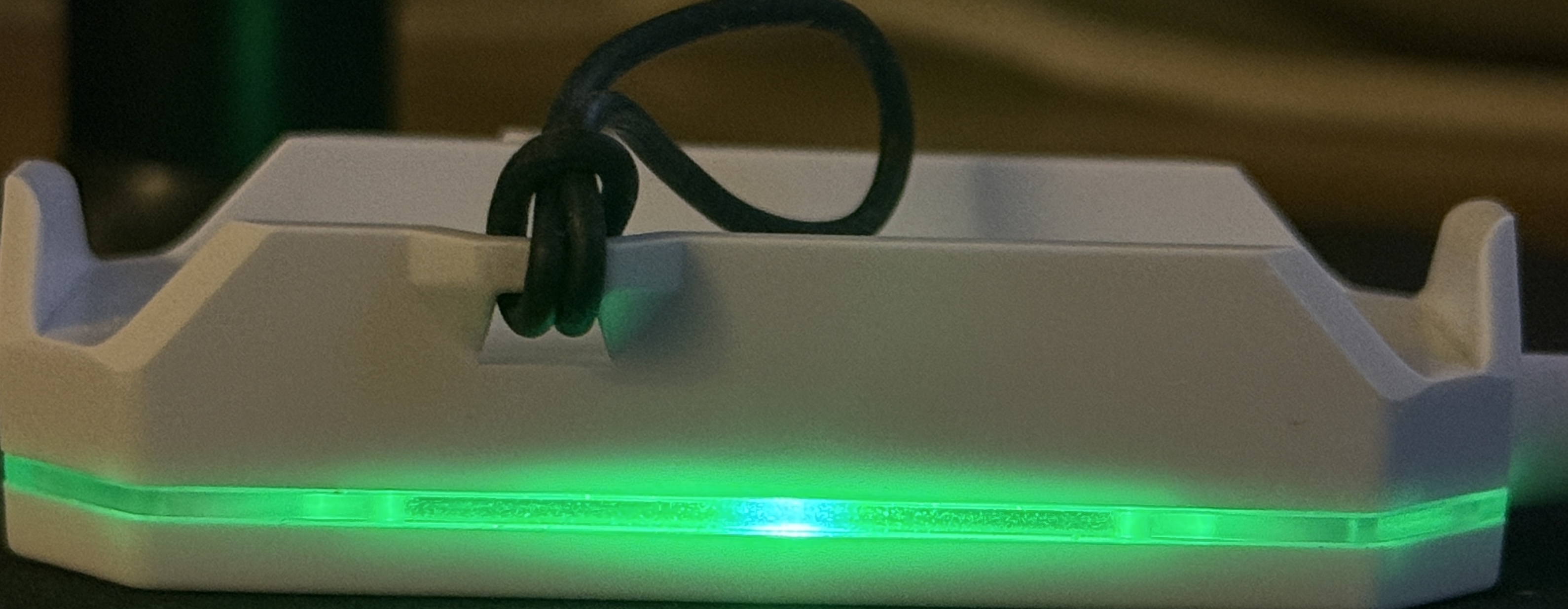
- Green — Fully charged
- Green (WOO not on charger) — Power is present on the charger but no device is detected
Troubleshooting
If your WOO does not respond when placed on the charger, try the following:
- Use a stronger power source — a wall adapter or laptop USB port is recommended. Avoid USB hubs and splitters.
- Do not charge using car chargers, USB splitters, or low-output phone charger blocks, as these may not supply enough consistent power.
- Check that the charger’s LED is lit before placing your WOO on it. A lit LED confirms the charger is receiving power.
Updated 6 months ago